
Shared expenses
One shared project, two people, one readable balance.
Each payment joins the same thread: a trip, a wedding, home improvements or a move. The app keeps who paid what and what remains to settle.
DuoSpend helps couples track expenses for a shared project: a trip, a move, a wedding or home improvements.
Each person adds what they paid, and the app shows what remains to be balanced, without a connected bank or spreadsheet.
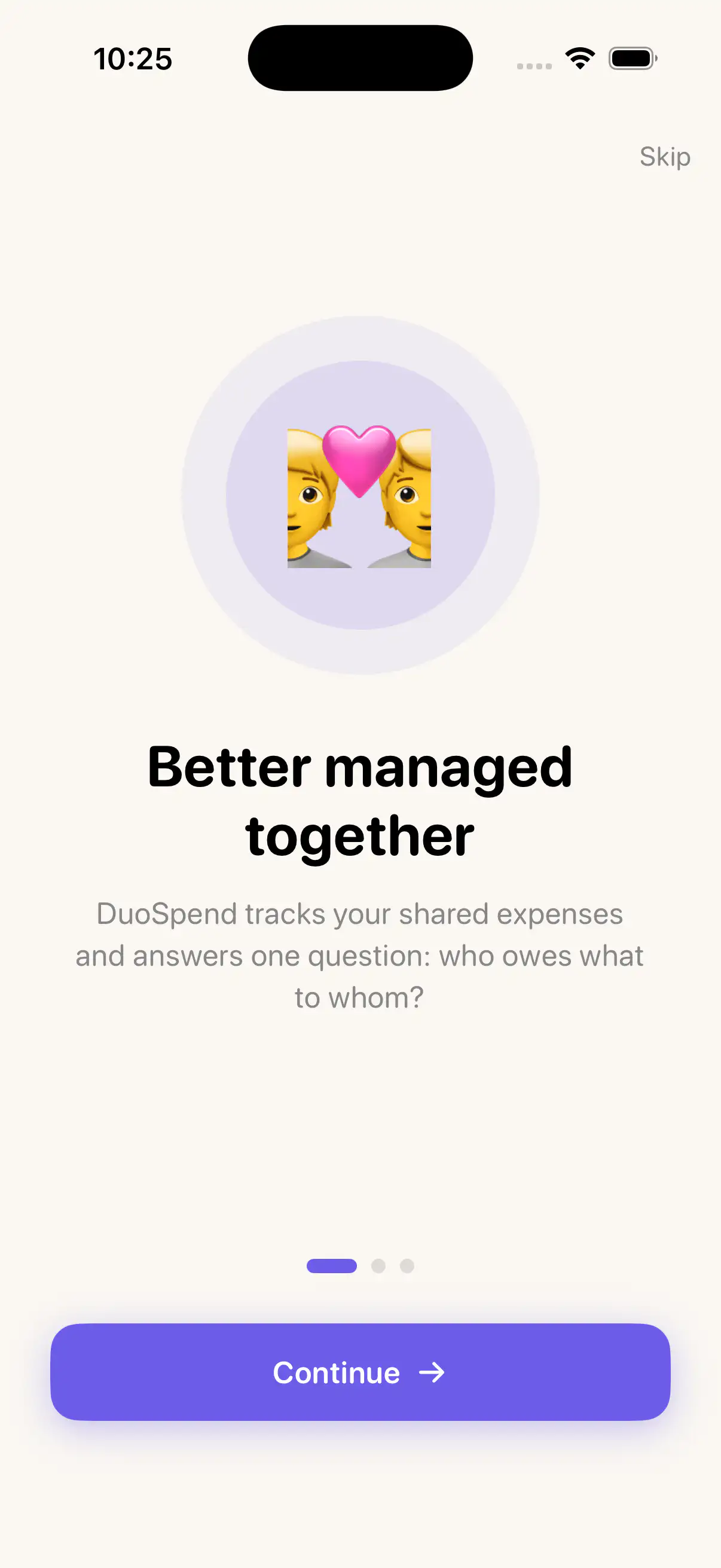
Shared project expenses add up quickly: a trip, a move, a wedding, home improvements, a weekend or holidays.
At first everything seems obvious, then who-paid-what gets fuzzy and manual calculations pile up.
DuoSpend keeps the flow simple: add expenses in seconds and keep balances readable at all times.
Markers to keep balances clear, without spreadsheets.
Shared expenses
One shared project, two people, one readable balance.
Each payment joins the same thread: a trip, a wedding, home improvements or a move. The app keeps who paid what and what remains to settle.
Clear balances
Who paid what, who owes what.
DuoSpend computes who advanced money and what remains to settle.
Made for two
Couples and shared projects.
A lightweight flow to keep balances clear without accounting complexity.
No spreadsheet
No scattered notes, no manual math.
The app keeps the thread for you, project after project.
Fast readability
Understand the situation in seconds.
A focused interface for quick financial clarity.
Available
The app is published on the App Store.
DuoSpend is free to download, with DuoSpend Pro available as a one-time in-app purchase.
Main DuoSpend screens.
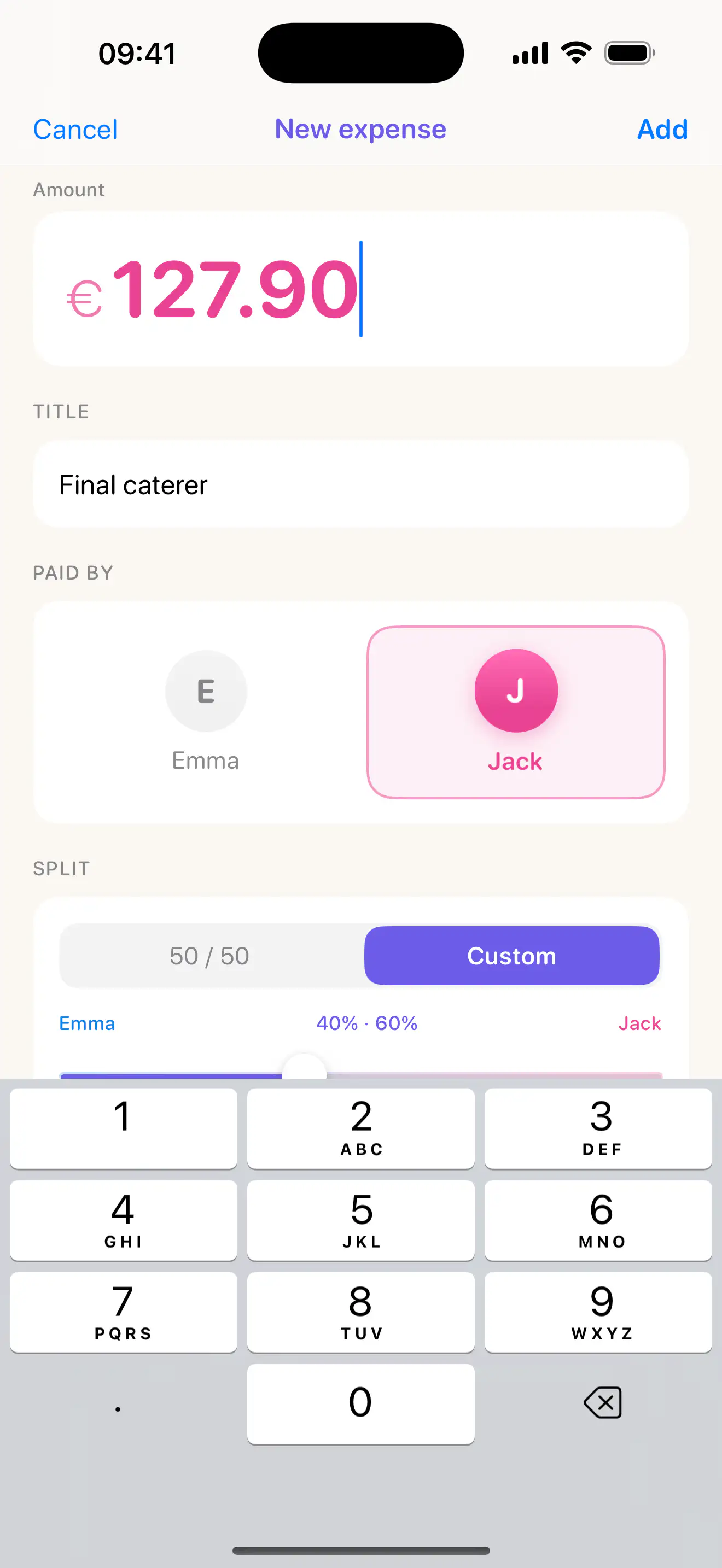
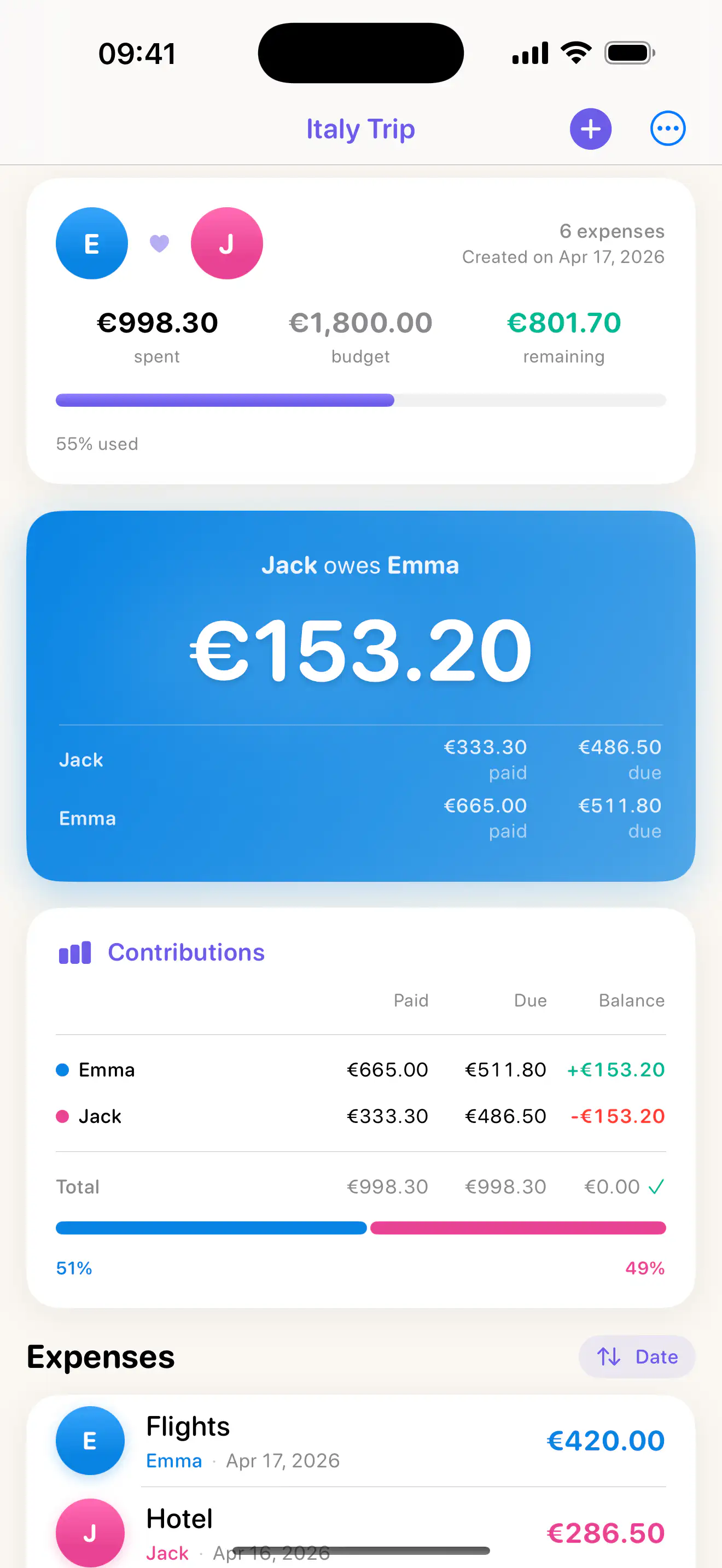
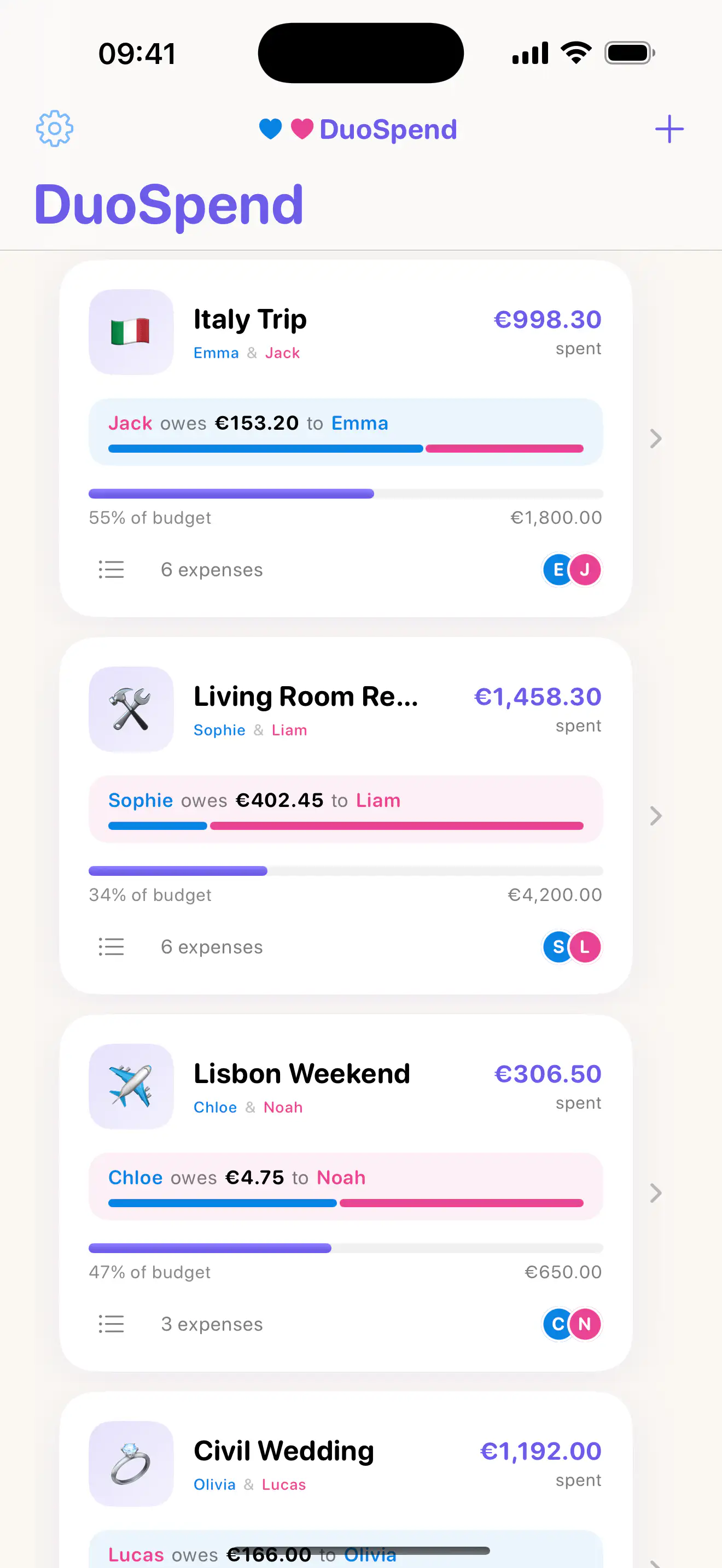
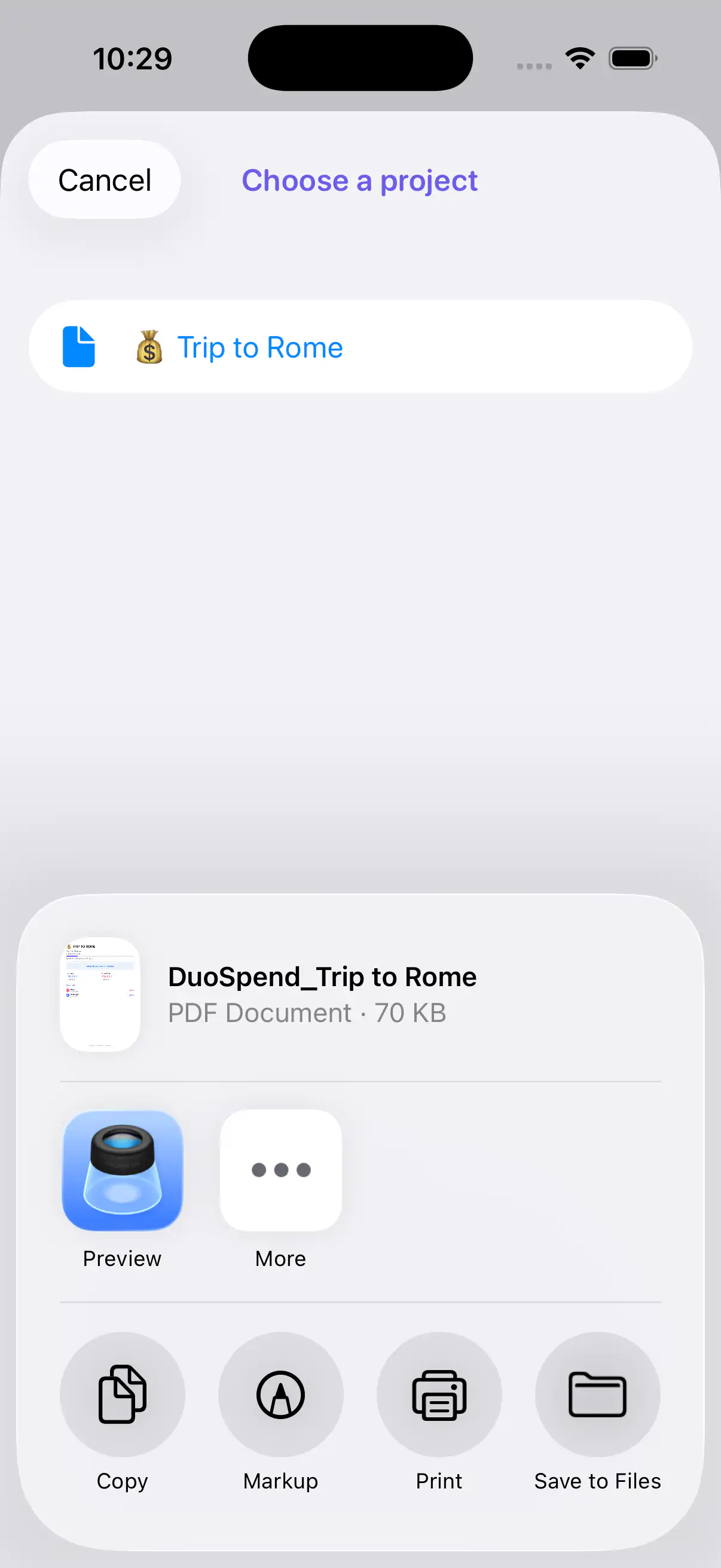
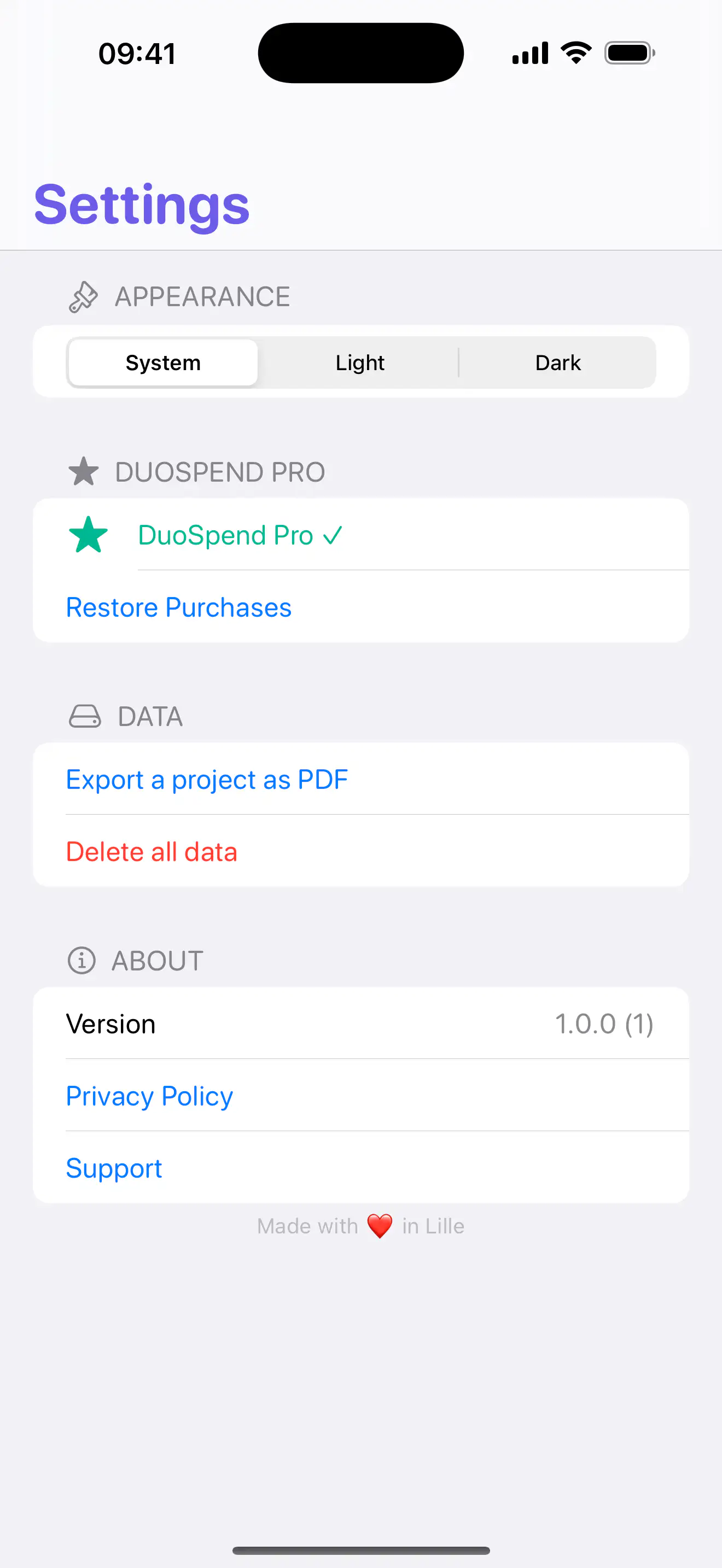
Download the app and create your first shared project. DuoSpend Pro unlocks unlimited projects, Home Screen widgets and PDF export with a one-time purchase. DuoSpend Pro also supports Apple Family Sharing.

Free to download · DuoSpend Pro: $5.99 in the US / €6.99 in the euro area.
Free
Free
Download DuoSpend and track your first shared project.
DuoSpend Pro
$5.99
One-time in-app purchase through the App Store. Pricing is localized by country.
Frequently asked questions.
DuoSpend helps two people track shared expenses. Add an expense, set who paid, choose a split, and instantly see who owes what.
Couples, roommates, friends, or family sharing expenses for a project or period: travel, moving, events, home projects, or daily spending.
Spreadsheets can work, but they require manual upkeep. DuoSpend keeps expenses, splits, and balances in one clear flow.
Yes. Each expense can be split evenly or with custom ratios, such as 60/40 or 70/30.
The free version lets you manage one complete project with essential features: budget, expenses, custom splits, and clear balance.
DuoSpend Pro unlocks unlimited projects, Home Screen widgets and PDF export with a one-time purchase. DuoSpend Pro also supports Apple Family Sharing.
DuoSpend Pro is a one-time in-app purchase. It is $5.99 in the US and €6.99 in the euro area; pricing is localized by country. No subscription.
No. DuoSpend works without an account.
Yes. In the current version, projects and expenses stay local on your iPhone. The privacy section provides full details.
Version 1.0.3, submitted to the App Store, adds project sharing through a DuoSpend file. Your partner will be able to import it on their iPhone, then import a newer version later to update the project. Transfers will remain manual: DuoSpend will not automatically sync projects between the two iPhones.
Yes. DuoSpend Pro is a one-time purchase that supports Apple Family Sharing. The purchase can be shared with eligible members of your Family Sharing group according to your Apple settings.
Have a question, found a bug, or want to suggest an improvement for DuoSpend?
Please check the FAQ above first: it covers the most common questions about setup, usage, data, and privacy.
If the issue persists, please include:
DuoSpend does not collect any personally identifiable information.
In the currently available version (1.0.2), projects and expenses are stored locally on your iPhone using SwiftData. Version 1.0.3, submitted to the App Store, adds a project file that you choose to save or send using the services provided by iOS. DuoSpend does not upload your projects to a server.
DuoSpend does not automatically sync projects between devices in this version.
When you use the home screen widgets, a limited copy of your data may be shared between the app and the widget extension through a local App Group managed by iOS.
If you purchase DuoSpend Pro, the transaction is handled by Apple through the App Store. DuoSpend Pro can be shared with eligible members of your Apple Family Sharing group when Family Sharing is enabled. DuoSpend does not receive or store your payment information. Only the purchase state is kept locally.
DuoSpend includes no tracking, no advertising, and no third-party SDKs such as Firebase, Amplitude, or Mixpanel.
The current version works fully offline.
You can delete all your data from Settings → Data → Delete all data. This action is irreversible.
DuoSpend is not intended for children under 13.
For any question, the DuoSpend page remains the contact point.